Tell me about Layer8.
Layer8
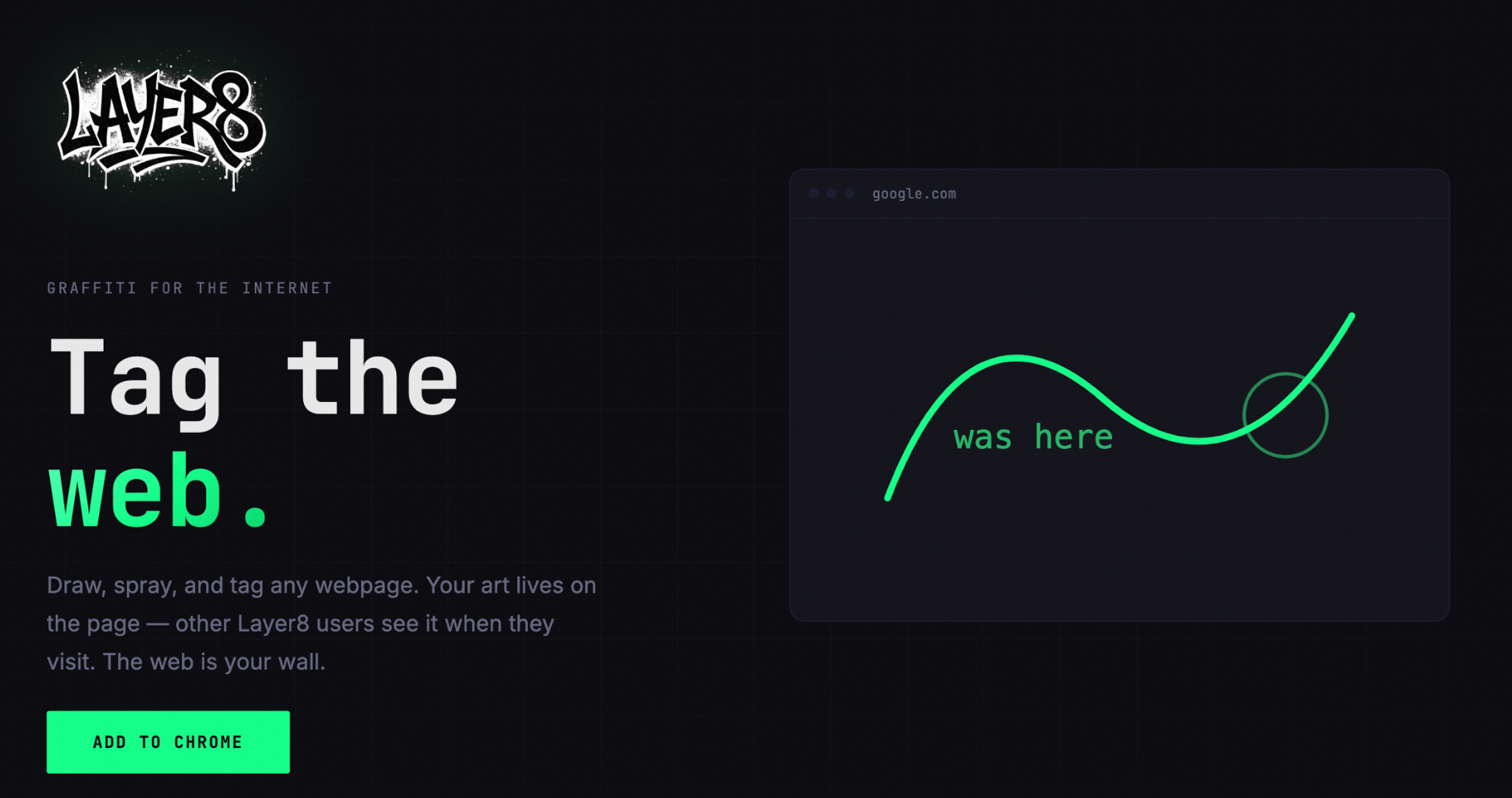
Graffiti for the internet. Layer8 is a Chrome extension that lets you draw, spray, and tag any webpage. Other Layer8 users see your art when they visit the same page. The web is your wall.
- Website: layer8.art
- GitHub: nateblaine/layer8
- Status: In progress
How It Works
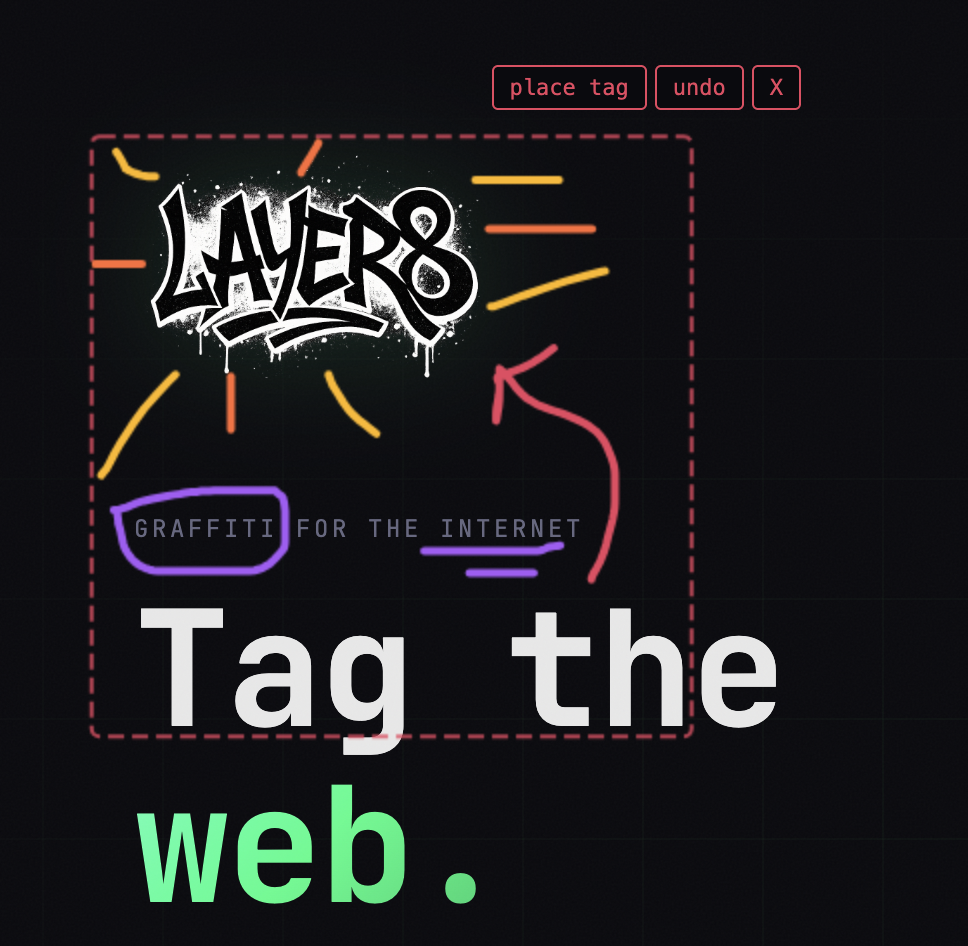
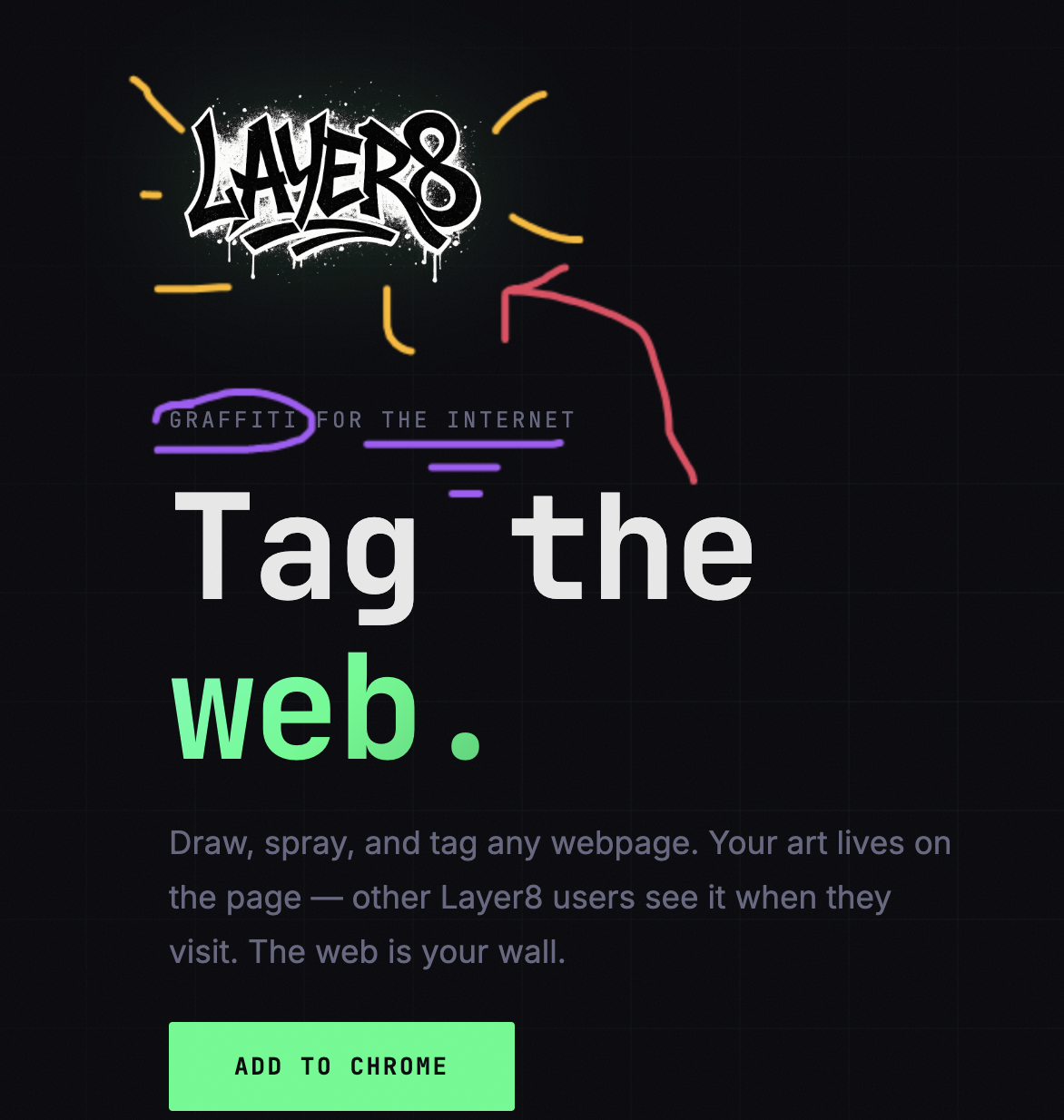
When you activate the extension, an HTML5 Canvas overlay sits on top of the current page. You draw freely — lines, shapes, scribbles — and when you're happy, you place it as a tag.
A tag is a complete drawing saved to the backend keyed by the page URL. Under the hood, a tag is made up of individual strokes, each stored separately in the database. This lets the backend reconstruct the full drawing stroke-by-stroke rather than storing a flat image.
When another user loads the page, the extension calls the backend to fetch all tags for that URL and renders them onto the canvas.
Tech Stack
| Layer | Tech |
|---|---|
| Extension | TypeScript, React, HTML5 Canvas |
| Backend | Express.js on AWS Lambda |
| Database | PostgreSQL via Neon |
| Auth | Clerk |
| Infrastructure | AWS CDK |
| Monorepo | Turborepo |
The backend is the part I'm most happy with. Neon gives you serverless Postgres with no always-on cost. Clerk handles auth with minimal surface area — integrating it with a Chrome extension is non-standard (no server-side session), but their browser SDK works well in the extension context.
Challenges
The canvas overlay was trickier than expected. Getting a full-page canvas to sit on top of arbitrary websites without breaking scroll, click handling, or existing CSS stacking contexts requires careful pointer-events management and z-index discipline. Some pages fight back.
The sync model took a few iterations. The instinct is to reach for WebSockets, but for a Chrome extension backed by Lambda, maintaining persistent connections isn't practical. Page-load fetching is simpler and covers the vast majority of the use case.